In the previous few blogposts, we have talked a lot about the QSL cards we have sent to you throughout the ages, but there’s been little talk about the cards that we receive ourselves. In this post we will explore the process incoming QSL cards go through, as well as how we handle our older cards.

As most other amateur radio clubs, we have a QSL-manager. This is one of our board-positions, which means that once a year the seat is up for election. Our QSL-manager is not only responsible for responding to incoming QSL cards, but also managing our logs, contest participations, and going through the incoming post in general.
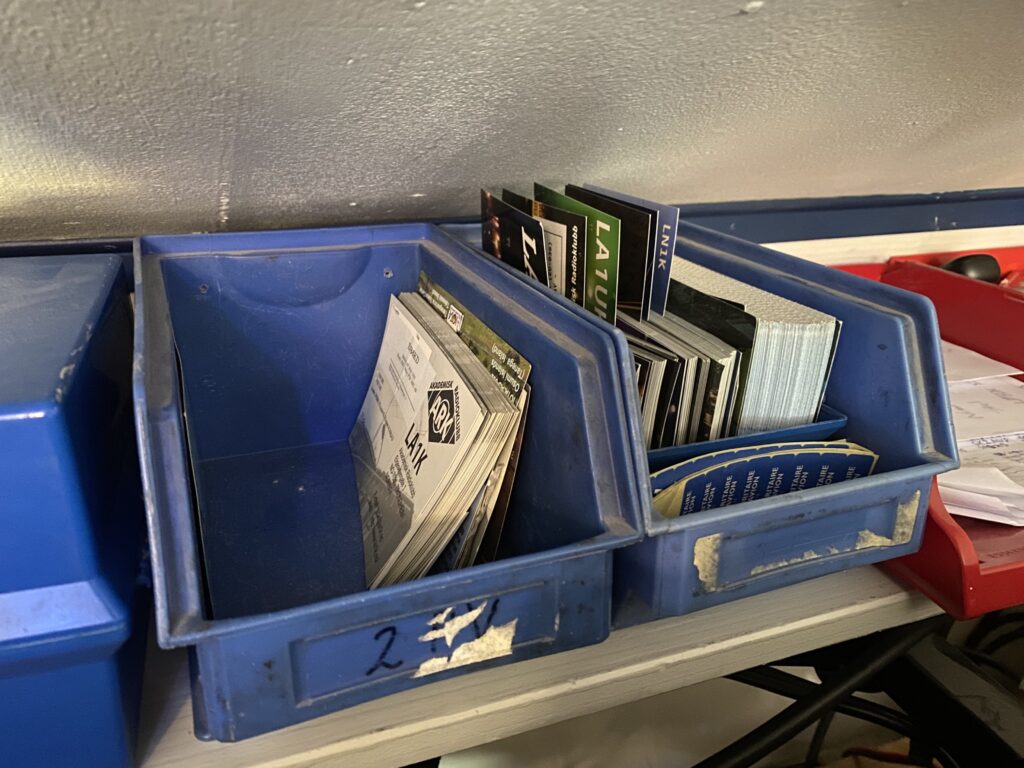
If you’ve read a few of our recent posts you probably know what they look like!
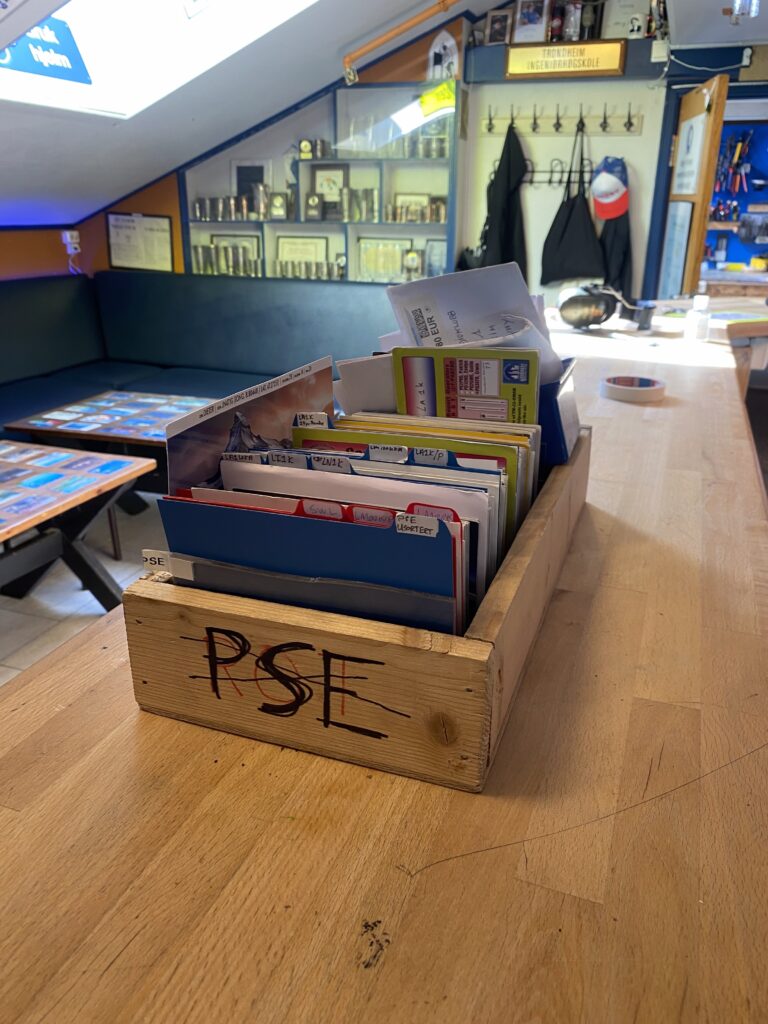
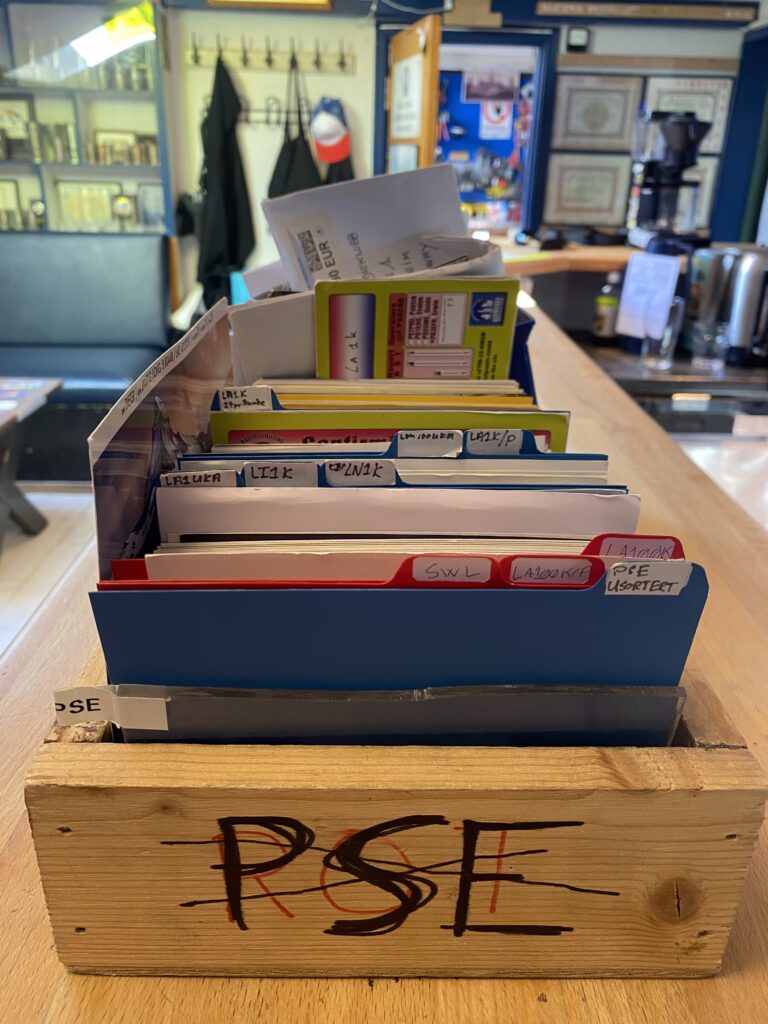
When cards are received from NRRL, the QSL manager picks them up from the incoming mail, goes through them and does the usual thing verifying them against the logs. Our own QSL cards are then prepared for anyone who ticked their QSL PSE box, and the incoming cards are forwarded to be scanned.


The scanning process is quite a bit of manual work, but in effect it is quite fast compared to the time spent verifying the cards against the logs. Typically the office-photocopier at the student-society is used, which just about fits 8 cards on it’s scanning surface. This way 8 cards can be scanned at a time, with a bit more than half a minute for each scan, which boils down to about 100 cards each hour once you get into the rhythm (both sides of each card is scanned).
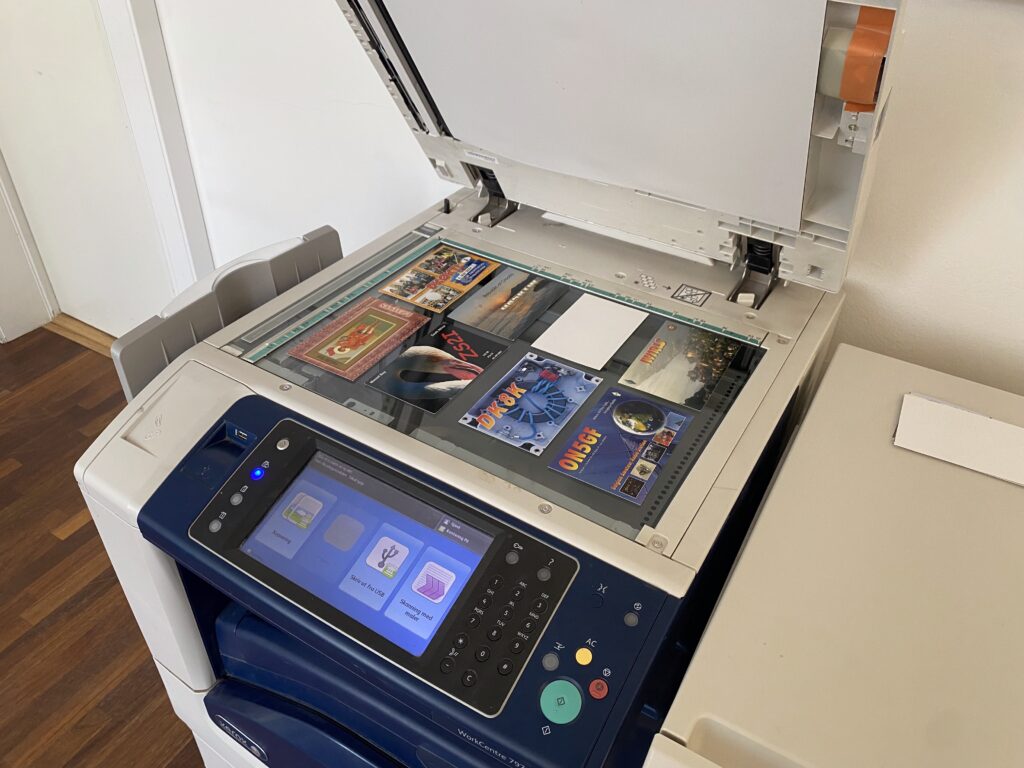
An important aim is to try to scan all cards with similar settings. We like to use a standard image format (JPG), scan-as-photo, color, 300dpi, and priority on quality rather than file size.

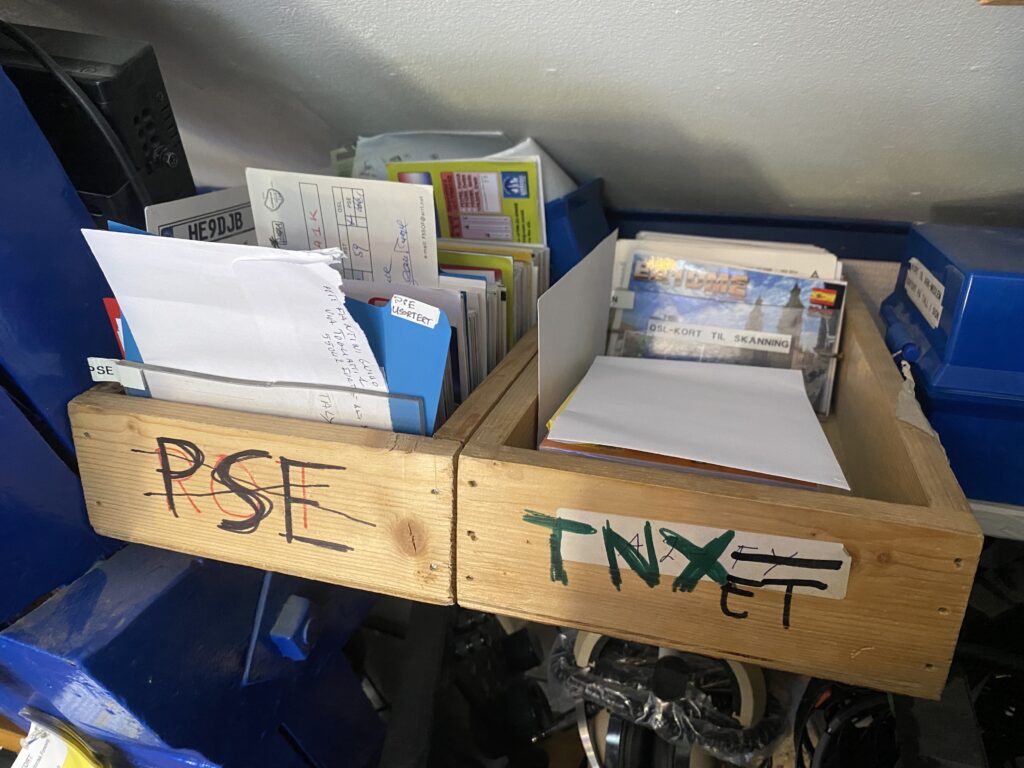
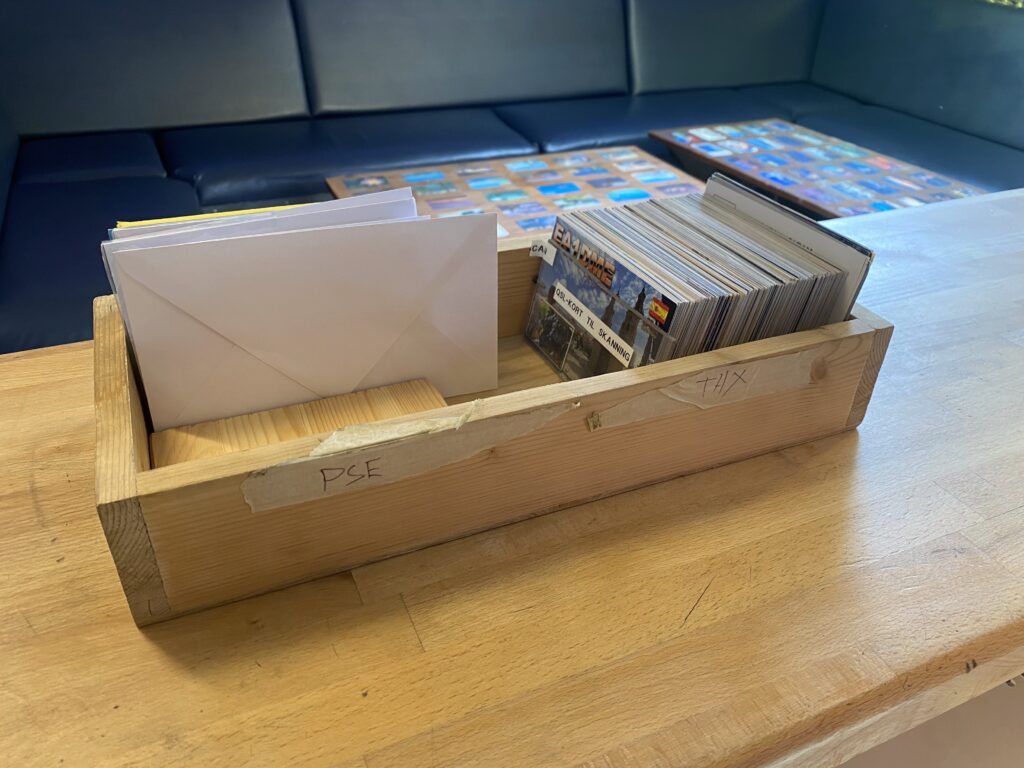
For efficiency, when cards are removed from the scanning surface, they are immediately sorted by year, and when the whole pile for the scanning session is done the cards are immediately put in storage. In this storage, all scanned cards are stored in trays, with one or more trays per QSO-date year. The scans themselves are then put onto our common web storage drive. To split the cards into individual files we use a template-file in the editor Gimp. To save time we leave the border, and for cases where we’d like to print them up for decoration we do a better cropping job.
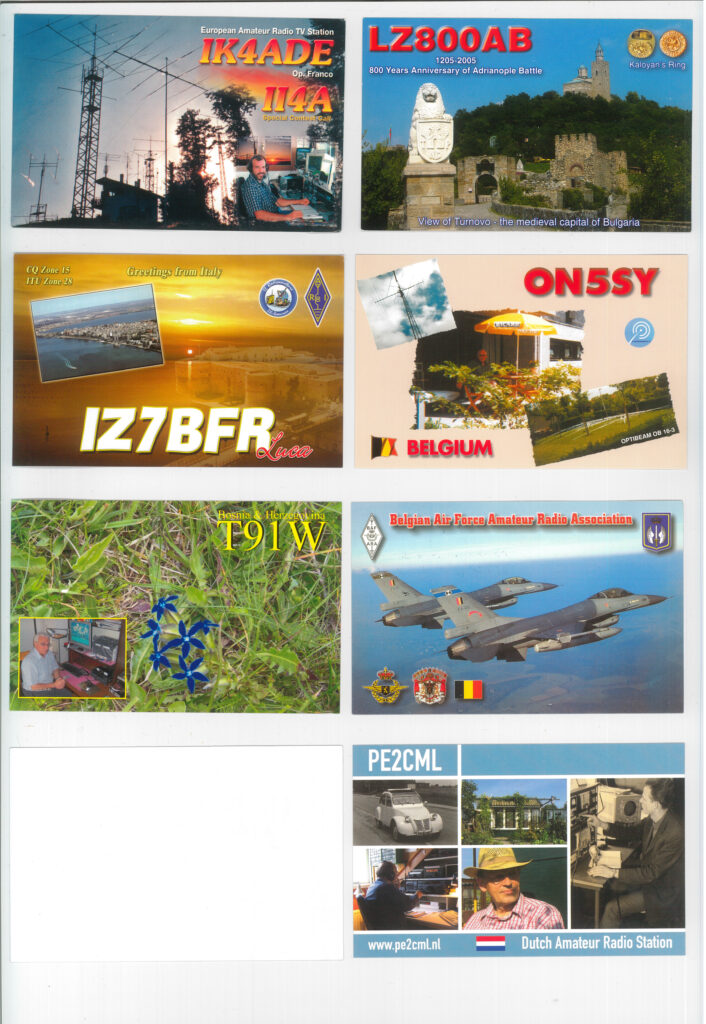
Now, it can be mentioned that the club has since our first radio-waves in 1926 collected a great deal of cards. A rough estimate would be in the ballpark of somewhere between 80 000 and 100 000. New cards have only been scanned since around 2017, and around that time another project started related to scanning the older cards. The estimate on the total number of QSL cards were not known at the time as most of them turned out to be in back-storage. As such, the most recent of the older cards were scanned and sorted first, then the project progressed with gradually older cards from there.
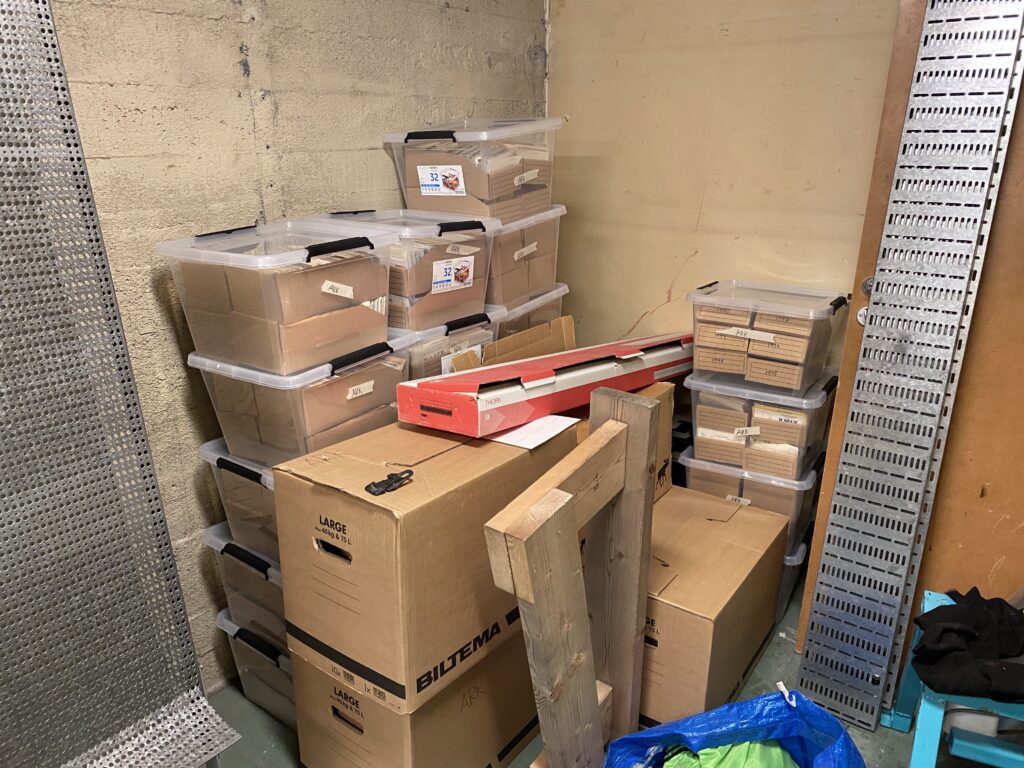
During lockdowns and the subsequent building of the extension to the student-society building, the project of scanning older cards was put on hold due to relocation of both the scanner and our storage. This work is still not entirely done, and our storage-situation is still not as entirely stable as we would hope. Otherwise, before all of that about 11 000 cards had been scanned, mostly from the mid 1990s and onwards.

We hope that when the storage-room situation stabilizes, the project can continue. It might be one of those forever-projects, but there is after all a finite amount of cards. The dream would be that hopefully in the future, someone can in an easy way split the scans into smaller image files, each with the front and back of an individual card, then we should be able to make an online gallery for everyone to browse through them.

Leave a Reply